




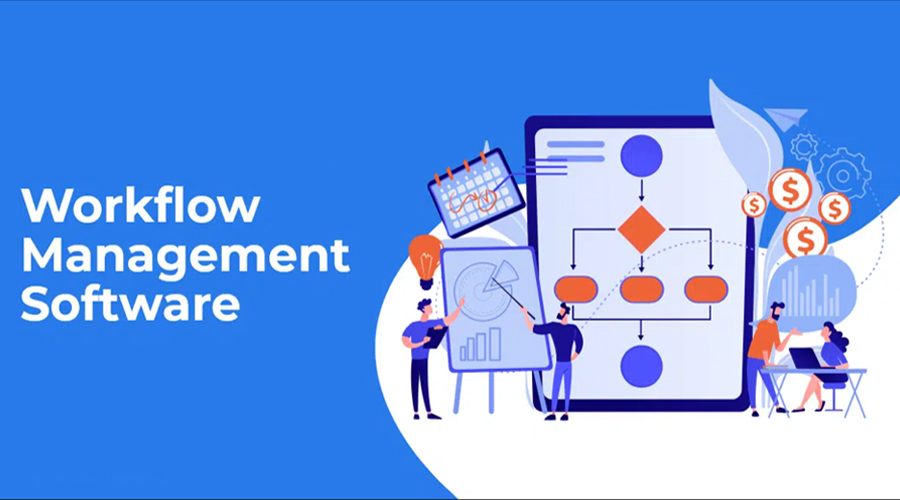
Workflow management software is a digital platform that automates, streamlines, and optimizes sequences of tasks within business processes to enhance efficiency and reduce errors. It integrates tools for task assignment, approvals, and progress tracking into a unified system, supporting both human and automated operations. Businesses use it to map out repetitive processes, eliminate bottlenecks, and align operations with goals.
Core Definition and Purpose
At its essence, workflow management software coordinates interactions between people, systems, and data to execute predefined task sequences. It breaks down complex business processes into linear paths governed by rules, automating routine steps like notifications or data routing. This setup ensures tasks reach the right person or system at the optimal time, minimizing manual interventions and delays.
The software targets repetitive operations, such as expense approvals or document reviews, by standardizing handoffs and monitoring adherence to protocols. Unlike basic task lists, it enforces dependencies and conditions, adapting to changes dynamically. Organizations adopt it to boost accountability, centralize information, and scale processes without proportional resource increases.
Key Features
Workflow management systems incorporate specialized components for seamless operation.
- Process Builder: Enables drag-and-drop creation of custom workflows, defining task sequences, rules, and automation for repetitive or human-centric steps.
- Workflow Engine: Acts as the decision core, routing tasks, triggering actions like emails or API calls, and monitoring progress based on business logic.
- Reporting and Analytics Tools: Provide real-time dashboards for tracking metrics, identifying bottlenecks, and generating insights for optimization.
- Document Management: Integrates file handling, ensuring relevant data accompanies tasks throughout the process.
- Task Organization: Supports listing, prioritization, deadlines, and dependency mapping via visual diagrams.
These elements combine to form a cohesive environment that replaces scattered tools like emails or spreadsheets.
How It Works
A workflow begins with process design, where users outline steps using intuitive builders. The engine then executes the flow: upon initiation, it assigns tasks, checks conditions, and automates where possible, such as updating statuses or notifying stakeholders. Integration with external apps via APIs ensures data flows uninterrupted between systems.
For example, in invoice processing, the software routes submissions for review, flags discrepancies, and approves payments automatically if criteria match. Monitoring occurs continuously, with alerts for delays and reports for post-execution analysis. This rule-based automation scales across departments, from HR onboarding to sales pipelines.
Benefits for Businesses
Adopting workflow management software yields measurable gains in productivity and compliance. Automation cuts manual errors and speeds up cycles, often reducing processing times by significant margins through bottleneck elimination. Teams gain visibility into task statuses, fostering collaboration and quicker decision-making.
Cost savings emerge from resource optimization, as standardized processes free staff for high-value work. Enhanced reporting supports data-driven refinements, improving overall agility in dynamic markets. Small firms streamline operations affordably, while enterprises handle complex, multi-system integrations.
Popular Use Cases
Workflow tools excel in diverse scenarios.
- Approval Workflows: Automate sign-offs for purchases, vacations, or contracts with conditional routing.
- Project Tracking: Map task dependencies and deadlines for teams in marketing or development.
- Customer Onboarding: Sequence data collection, verification, and activation steps.
- Compliance Processes: Enforce audit trails and regulatory checks in finance or healthcare.
These applications span industries, adapting to specific needs via customizable templates.
Choosing the Right Software
Selection hinges on scalability, integration capabilities, and ease of use. Evaluate process builders for no-code options and engines for robust automation. Prioritize tools with strong analytics and mobile access for remote teams. Trial periods help assess fit against organizational workflows.
In 2025, AI enhancements in leading platforms predict delays and suggest optimizations, amplifying value. Integration with existing ERP or CRM systems ensures minimal disruption.
Future Trends
Emerging trends emphasize AI-driven intelligence and hyper-automation. Platforms increasingly incorporate predictive analytics to preempt issues and natural language processing for intuitive setup. Cloud-based models dominate for flexibility, supporting hybrid workforces.
Sustainability features track resource use, aligning with corporate goals. As remote collaboration grows, real-time synchronization and security remain priorities. Businesses investing now position for long-term efficiency gains.